About the Game
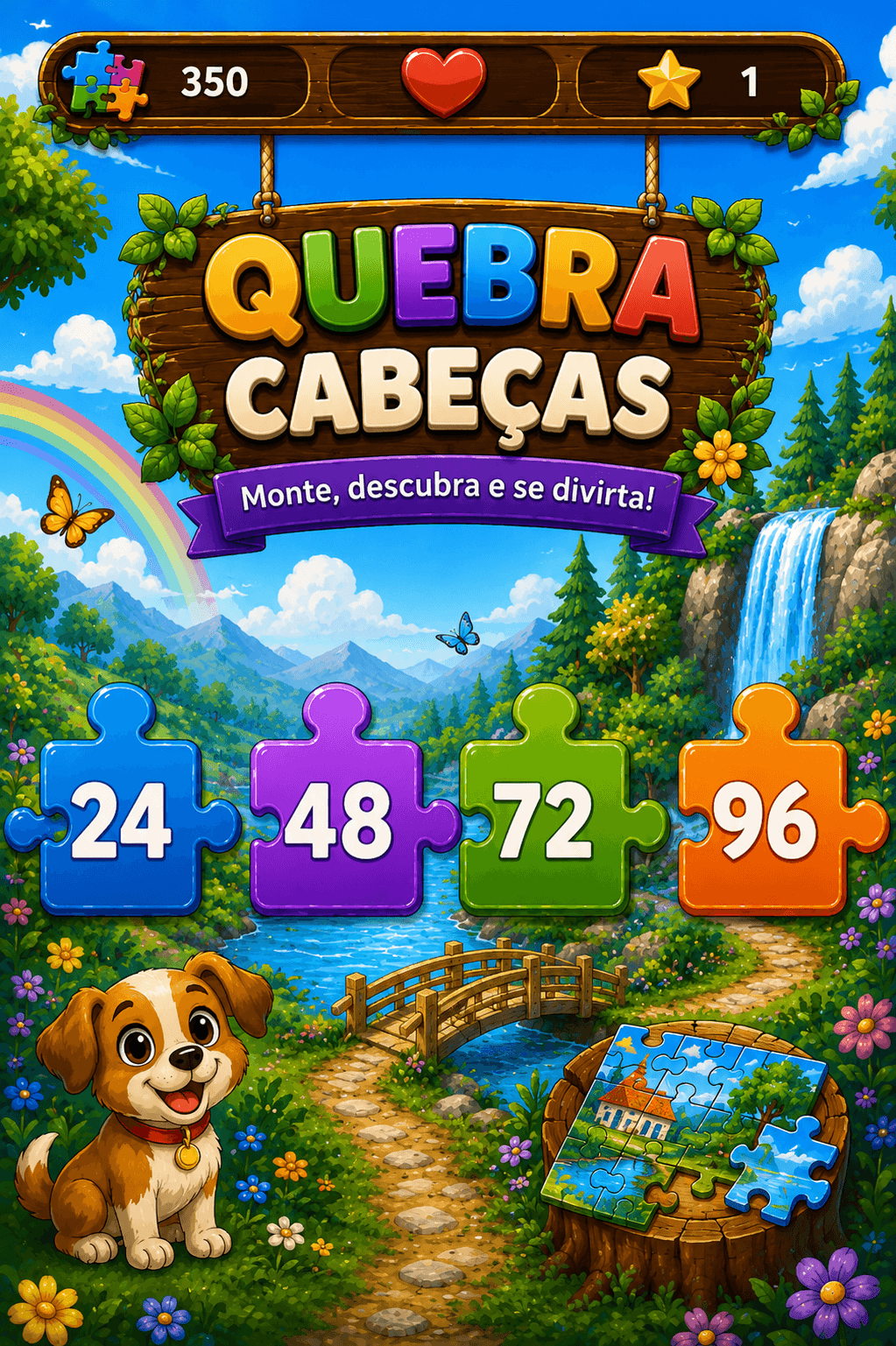
Assemble amazing pictures piece by piece! Choose from 24, 48, 72 or 96 pieces and challenge your spatial perception.
Educational Benefits
- 1Improves spatial and visual perception
- 2Develops patience and focus
- 3Stimulates pattern recognition
- 4Trains fine motor coordination on touch
How to Play
Jigsaw Puzzle is a game where you drag pieces from the piece panel onto the board. Before you start, you choose one of 12 available images and the number of pieces: 12 (easy), 24 (medium), 48 (hard), or 72 (very hard). Each piece shows a fragment of the original image. On the board, empty spaces display a semi-transparent guide indicating which part of the image belongs there. Drag the right piece to the correct slot to place it. The board is organised in a grid — the more pieces, the more columns and rows. Time varies with the number of pieces (4 min for 12 pieces, 5 min 30 s for 24, 7 min for 48 and 8 min 30 s for 72). Completing the puzzle with time remaining earns a score bonus. When time is running out, you can use an extra time (+2 min) to continue. Extra times are earned by completing puzzles or watching a rewarded ad.
Tips & Strategy
- 1Start with the borders and corners of the image — they are the fragments with the most distinct details and the easiest to identify.
- 2Use the semi-transparent guide on the board as a reference: compare the tone and pattern of the fragment before dragging.
- 3With many pieces in the panel, look for the dominant colour that matches the empty slot on the board.
- 4Assemble the parts of the image with the most contrast or vivid colours first — they are easier to spot than uniform backgrounds.
- 5For the 48 and 72 piece modes, mentally divide the board into quadrants and focus on one quadrant at a time.
Frequently Asked Questions
How many pieces does the puzzle have?▾
You choose between 24, 48, 72 or 96 pieces according to the desired level.
Can I see the full image while playing?▾
Yes, there is a thumbnail of the complete image in the corner for reference.
Is there a help mode?▾
Yes, you can enable a grid that shows the correct position of each piece.
What are the image themes?▾
There are 10 themes: adventure, toys, school, space, farm, forest, soccer, vacation, magic and fun.